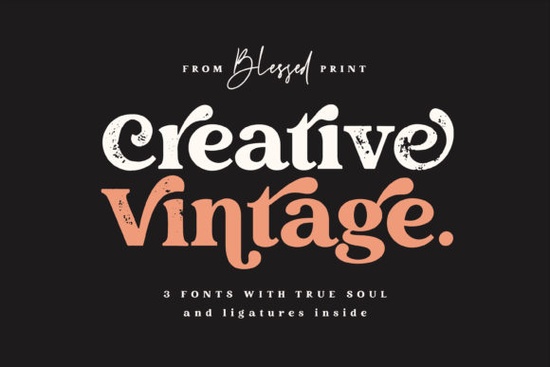
Finding the right typography for a branding project often means searching for two separate files that match well. When you find a package that includes both a sturdy display face and a complementary script, it saves significant time during the design process. The Creative Vintage Font offers this duo setup, providing a bold structure alongside a flowing handwritten style. This combination is particularly useful for crafters and print-on-demand sellers who need to produce logos or apparel graphics quickly without sacrificing quality.
What makes this typeface suitable for modern projects?
While the name suggests an older aesthetic, the clean lines allow it to fit into current design trends. Unlike softer options like the Marshmellow font, this typeface leans into a stronger, more structured look that holds up well on large formats. The display portion features thick strokes that remain legible even when scaled down for small tags or stickers. Meanwhile, the script component adds a personal touch without becoming difficult to read.
It does not rely on heavy distressing to convey age. It doesn't have the distressed texture of a funky grunge font, but it carries that same level of personality through its shape and weight. This makes it adaptable for various backgrounds, whether you are printing on dark fabric or light paper. Understanding the history of vintage style can help you decide when to use this look, but ultimately, readability should drive your choice.
Where should you use this font combination?
Small business owners often need assets that work across social media, packaging, and websites. This duo is strong enough for main logos but delicate enough for secondary text. For projects needing more color and playfulness, you might check out the Rainbow Darling duo font, but for classic branding, this vintage style holds its ground. It is particularly effective on t-shirts, mugs, and tote bags where contrast is key.
When preparing files for print-on-demand, always convert your text to outlines. This prevents formatting shifts when the file moves from your computer to the printing platform. Ensure there is enough spacing between the script and display letters so they do not merge when printed at smaller sizes. Vector formats like SVG or EPS are ideal for scaling without losing quality, especially for large signage or vehicle wraps.
How do you pair it with other typography?
Since this package includes a script, you may need a neutral serif or sans-serif for body text. If you need a serif companion for body text, something like the Cormorant Garamond font pairs well with bold display headers. The goal is to keep the viewer's focus on the main headline while ensuring the smaller information is easy to scan.
Sometimes you might want to mix scripts for a layered effect. For a more handwritten feel in other parts of your design, the Selina Daniel duo font offers a different kind of script flow. However, be careful not to use too many handwritten styles in one layout, as it can look cluttered. Stick to one main script for emphasis and use simpler fonts for details.
What should you check before downloading?
Before adding any new typeface to your library, verify the license terms. Most creative assets allow personal use, but commercial projects often require a specific upgrade. Check if the download includes webfont files if you plan to use it on a website. Some licenses restrict the number of impressions or sales, so read the fine print carefully. Here is a quick list to review before you start designing:
- Confirm the license covers your intended use, such as merchandise for sale.
- Check if kerning pairs are included to save time on spacing.
- Test the script connectivity to ensure letters join smoothly.
- Download both OTF and TTF formats if available for compatibility.
- Keep a backup of the original zip file in case you need to reinstall.
Taking these steps ensures your workflow remains smooth and prevents legal issues down the line. Once you have verified the files, try creating a mockup to see how the bold and script elements interact in a real-world scenario. Testing on different backgrounds will also show you if you need to add a stroke or shadow to maintain visibility.
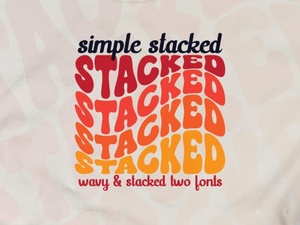 Easy Stacked Typography Design Tutorial
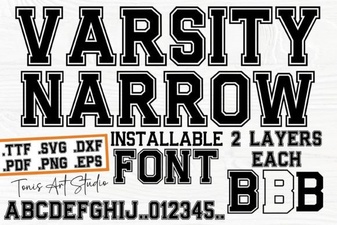 Creative Projects with the Varsity Narrow Font
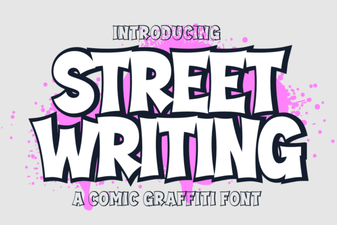 Urban Scripts: Design Tips & Creative Project Ideas
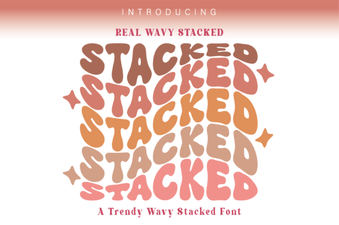 Wavy Stacked Fonts for Creative Design Projects
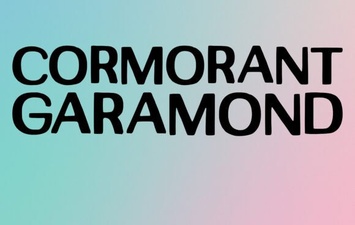 Unlock Elegant Typography with Cormorant Garamond
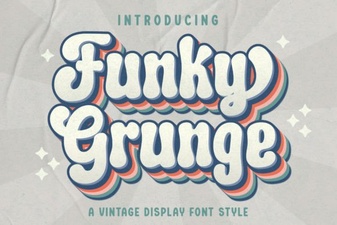 Unleash Your Designs with Funky Grunge Fonts