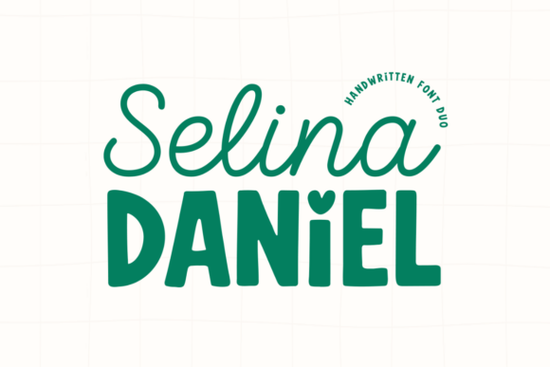
If you are looking for a typeface that balances elegance with playfulness, the Selina Daniel Duo Font is a strong contender for your next project. It combines two distinct styles into one package, saving you time on pairing. Many designers struggle to find a script and a sans-serif that look like they belong together, but this duo solves that problem immediately. The script offers a light, romantic flow, while the sans-serif provides a thick, grounded contrast. This makes it ideal for creating visual hierarchy without needing to hunt for multiple files.
Why pair a script with a sans-serif?
Using a single font family often limits your design options. When you pair a flowing script with a bold print style, you guide the viewer's eye naturally. The script draws attention to key phrases, while the block letters handle the supporting information. This contrast is essential for logos and branding where readability matters. Unlike the bold look of urban street styles, this duo offers a softer approach that feels more personal. It works well for businesses that want to appear approachable yet professional. The heart-shaped dot over the 'i' in the sans-serif adds a subtle detail that reinforces a caring brand identity.
What projects work best with this style?
This font pair shines in contexts that require a feminine or handmade touch. It is particularly effective for wedding stationery, where the script can mimic invitation calligraphy. Small business owners selling handmade goods on print-on-demand platforms will find the sans-serif legible on apparel. If you are making products for children, you might look at playful children themes, but for feminine branding, this duo is more refined. Social media managers can use the script for quote overlays and the sans-serif for clear captions. The versatility allows you to maintain a consistent look across Instagram stories, packaging, and website headers.
How easy is it to use in design software?
Technical hurdles often slow down creative work, but this package includes PUA encoding. This means you can access all the stylistic alternates and ligatures directly through your character map without needing special software plugins. Whether you use Cricut Design Space, Adobe Illustrator, or Canva, the glyphs should appear correctly. This feature is crucial for crafters who want to customize letters without manual tweaking. While some designers prefer the structure of athletic narrow types for sports teams, this hand-drawn feel requires less adjustment for organic layouts. You can install it once and use it across multiple devices without worrying about missing characters.
Where can I find similar display options?
Sometimes you need a specific vibe that matches your brand colors or era. If you want something with more vintage flair, you might explore vintage inspired display options. However, if your goal is modern cohesion, sticking to a matched duo is safer. Layering text is another trend, but instead of using complex wavy stacked effects, this font duo achieves depth through weight contrast alone. The script acts as the decorative layer, while the sans-serif keeps the foundation stable. This simplifies the design process, allowing you to focus on color and composition rather than fighting with typography rules.
Quick Tips for Getting Started
To make the most of this typography pair, consider these practical steps before you begin designing:
- Check licensing: Ensure your subscription or license covers commercial use for physical products.
- Test readability: Print a sample at the actual size you intend to use to verify the script remains legible.
- Limit usage: Use the script for headings only to prevent visual clutter on dense paragraphs.
- Match weights: Pair the boldest version of the sans-serif with the thinnest parts of the script for maximum contrast.
- Save pairs: Create a template in your design software with both fonts pre-selected to speed up future workflows.
Starting with a reliable font duo removes the guesswork from your branding efforts. By choosing a set that already harmonizes, you ensure your visuals look cohesive from the first draft. Whether you are designing a logo or a social media post, having the right tools simplifies the creative process.
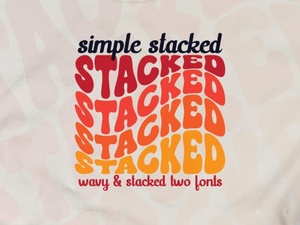 Easy Stacked Typography Design Tutorial
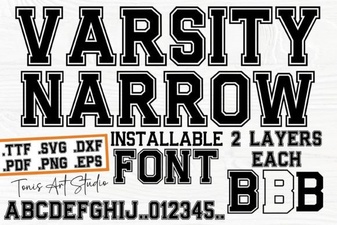 Creative Projects with the Varsity Narrow Font
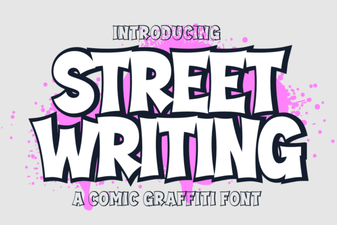 Urban Scripts: Design Tips & Creative Project Ideas
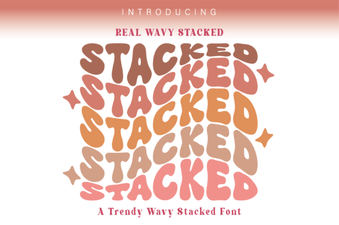 Wavy Stacked Fonts for Creative Design Projects
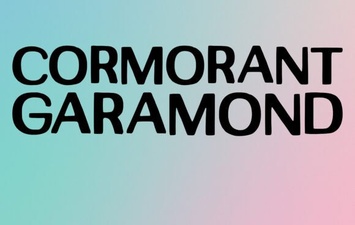 Unlock Elegant Typography with Cormorant Garamond
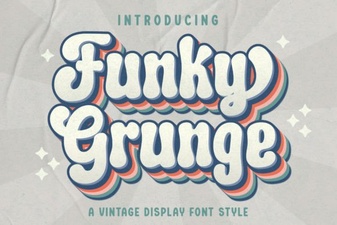 Unleash Your Designs with Funky Grunge Fonts