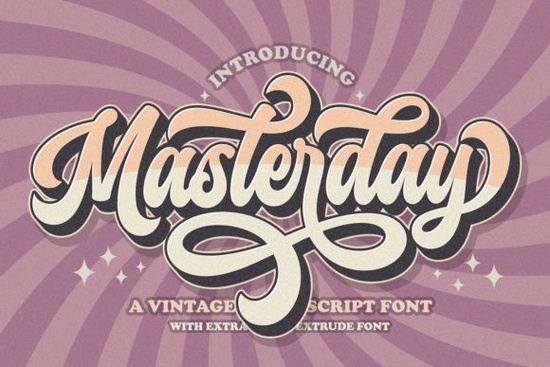
Choosing the right typeface can make or break a design project, especially when you need something that feels personal and handcrafted. The Masterday Font offers a stylish retro handwritten look that fits well with modern branding and personal projects. It is designed to help creators add a human touch to digital work without spending hours on custom lettering. Whether you are making logos, invitations, or social media graphics, this tool provides the flexibility needed for professional results.
Many designers struggle to find scripts that look authentic rather than robotic. This typeface solves that problem by mimicking natural pen strokes. It works particularly well for businesses wanting to appear approachable and friendly. Small shop owners and crafters often need visuals that stand out in a crowded market. Using a unique script helps your brand feel distinct. You can explore this specific script collection to see how it fits within a broader range of design assets available for your workflow.
What Makes This Script Stand Out?
The visual appeal lies in its retro vibe. It captures the essence of mid-century handwriting while remaining legible on screens and print. Unlike some decorative fonts that sacrifice readability for style, this one balances both. If you are looking for something more romantic for wedding invitations, you might compare it with softer options, but for a bold retro statement, this is a strong contender. The curves are smooth, and the weight is consistent, making it versatile for both headlines and body text in short bursts.
Color choices also matter when using handwritten styles. This font pairs well with muted pastels or bold vintage colors. It shines on packaging labels where a handmade feel adds value to the product. For those who prefer a laid-back west coast feel, the organic flow of the letters complements beachy or casual brand identities. It is not just about the letters; it is about the mood they create when placed on a page.
How Do You Access the Swashes and Glyphs?
Technical ease is just as important as style. This font is PUA encoded, which simplifies the process of using special characters. PUA stands for Private Use Area, allowing you to access alternate glyphs and swashes without needing complex software shortcuts. You can simply copy and paste these characters from the character map included with the download. This feature saves time during the design phase.
Swashes add flair to the beginning and end of words. They are useful for creating logos where the first letter needs to pop. If you are working on seasonal holiday cards, these extras allow you to customize the look without drawing extra elements manually. Beginners appreciate this because it lowers the barrier to entry for creating high-quality typography. You do not need to be an expert in Illustrator or Photoshop to make the text look custom.
Where Can You Use This Typeface?
The applications are broad across different creative fields. Print-on-demand sellers can use it for t-shirt quotes or mug designs. Since it is handwritten, it resonates well with audiences looking for authenticity. Crafters making physical goods like stickers or planners will find it useful for headers and dividers. It scales well, meaning it looks good whether printed small on a tag or large on a poster.
Small businesses can utilize it for social media posts. Instagram stories and Pinterest pins benefit from text that feels personal. However, if you need a cleaner signature style for formal documents, you might want to test legibility at smaller sizes first. For most marketing materials, though, the personality it adds outweighs the need for strict formality. It helps build a connection with the viewer by feeling less corporate and more human.
Practical Tips for Implementation
Before finalizing your design, consider these steps to ensure the best outcome. Testing the font in your specific medium prevents issues later. Always check how the letters kern together, as handwritten scripts can sometimes have spacing quirks. Here is a quick checklist to guide your process:
- Check Legibility: View your design at 100% zoom to ensure readers can decipher every word.
- Use Swashes Sparingly: Too many decorative ends can make the text look cluttered.
- Pair with Simple Fonts: Combine this script with a clean sans-serif for body text to maintain balance.
- Test on Backgrounds: Ensure there is enough contrast between the text color and the background image.
- Save Versions: Keep a version with standard glyphs and one with swashes to compare which looks better.
Integrating a new typeface into your library expands your creative possibilities. By understanding how to use the technical features like PUA encoding, you get more value from your purchase. Remember that the goal is to enhance communication, not just decorate. When used correctly, a retro script like this can become a key part of your visual identity. Start with a small project to get comfortable with the characters, then scale up to larger branding tasks as you gain confidence.
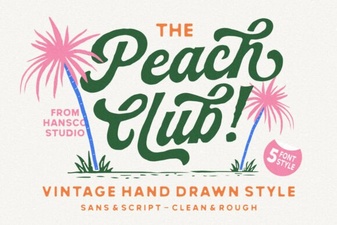 A Stylish Peach Club Font for Your Creative Projects
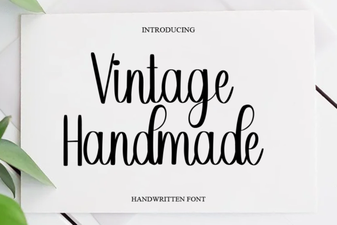 Creative Projects with Vintage Handmade Fonts
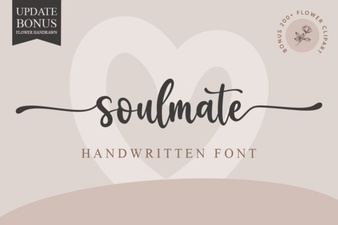 Soulmate Font for Creative Projects & Design
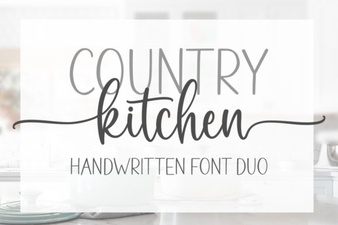 Country Kitchen Fonts for Cozy Craft Projects
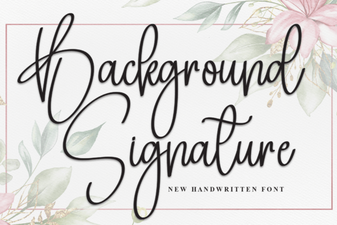 Designing with Unique Background Signature Fonts
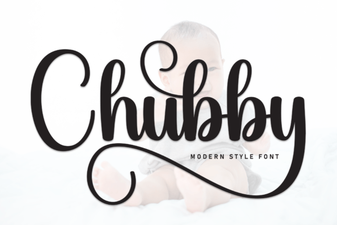 Playful Chubby Fonts for Friendly Design Projects